Map My Processes
Join the 250 organizations that manage their quality with Agilium. Our experts based in Grenoble will guide you every step of the way—no offshore staff, no surprises.
Maps are static and quickly become obsolete
As soon as a process changes or someone changes jobs, the responsibility for updating falls on you, and the current version is no longer reliable
01
There is no connection between the map and the rest
Your map is a standalone image; it does not link to any document, nonconformity, or action plan.
02
Process managers are only accountable on paper
In practice, they can’t make any changes without going through you, which renders the concept of management meaningless.
03
If the person who knows everything leaves, we lose everything
The processes are not documented in a way that would allow a newcomer to understand and take over without extensive training.
04
Your processes are working. But they exist only in people's minds.
You have a clear understanding of how your organization works. But that knowledge is stored in people’s heads, in outdated PowerPoint files, and in procedures that aren’t aligned with one another.
Process owners know what they’re doing, but they don’t really own their processes: you’re the one who maintains everything, and as soon as there’s an organizational change, you have to start from scratch. The result: your process map is just one document among many, which no one really consults
What if your quality became a Ievier ?
What You Actually Gain on a Daily Basis
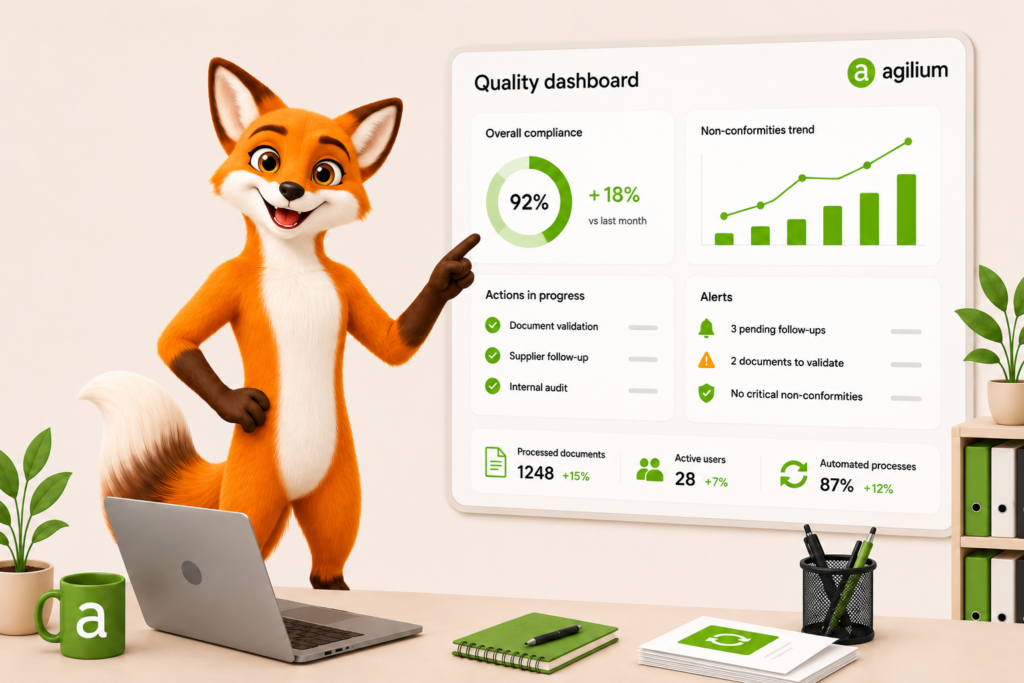
A real-time quality dashboard, configurable by process or by site, that tracks your metrics, alerts you when a target isn’t met, and prepares your management review without the need for manual data entry.

Mapping linked to your system, not isolated in a file
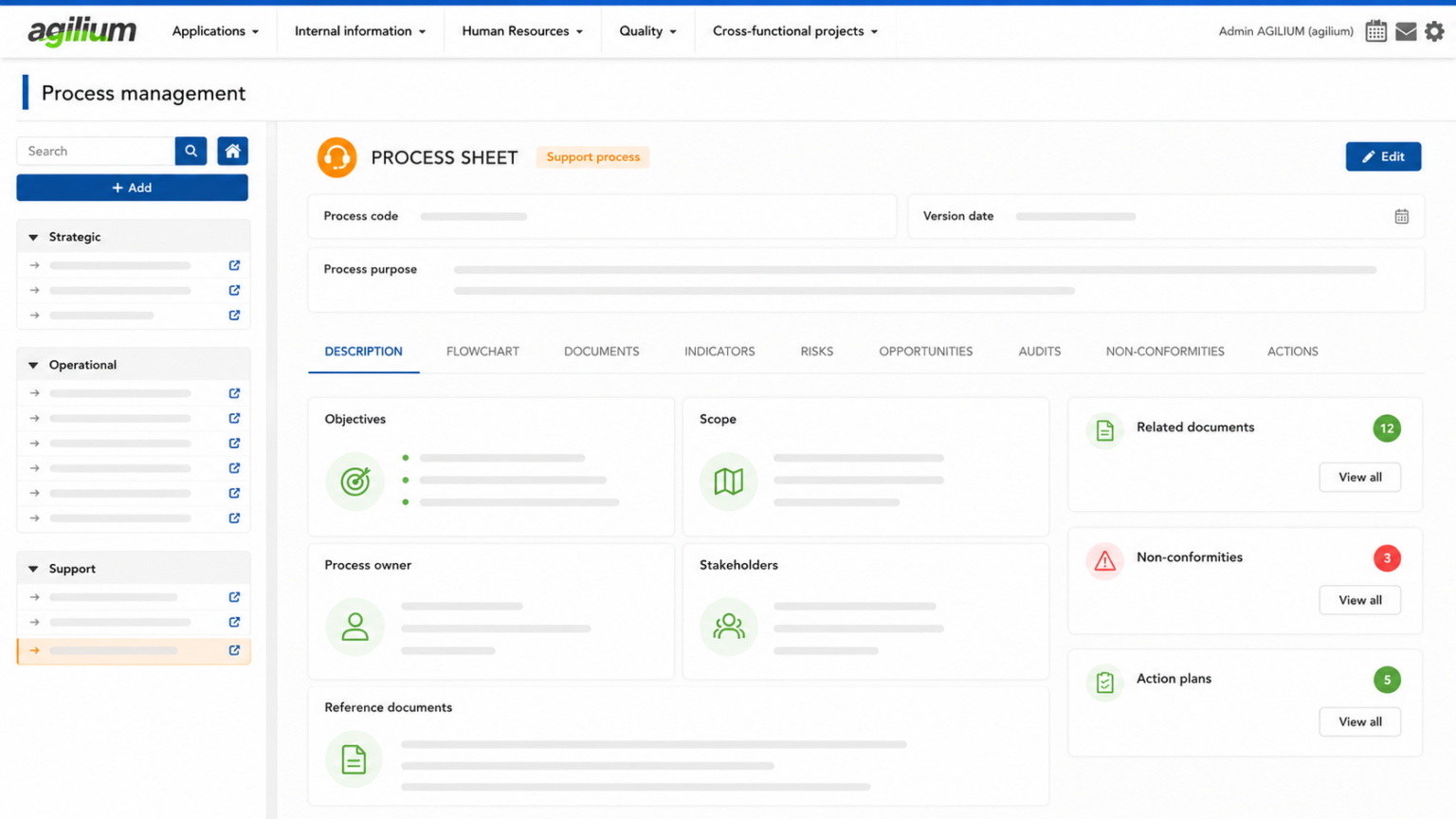
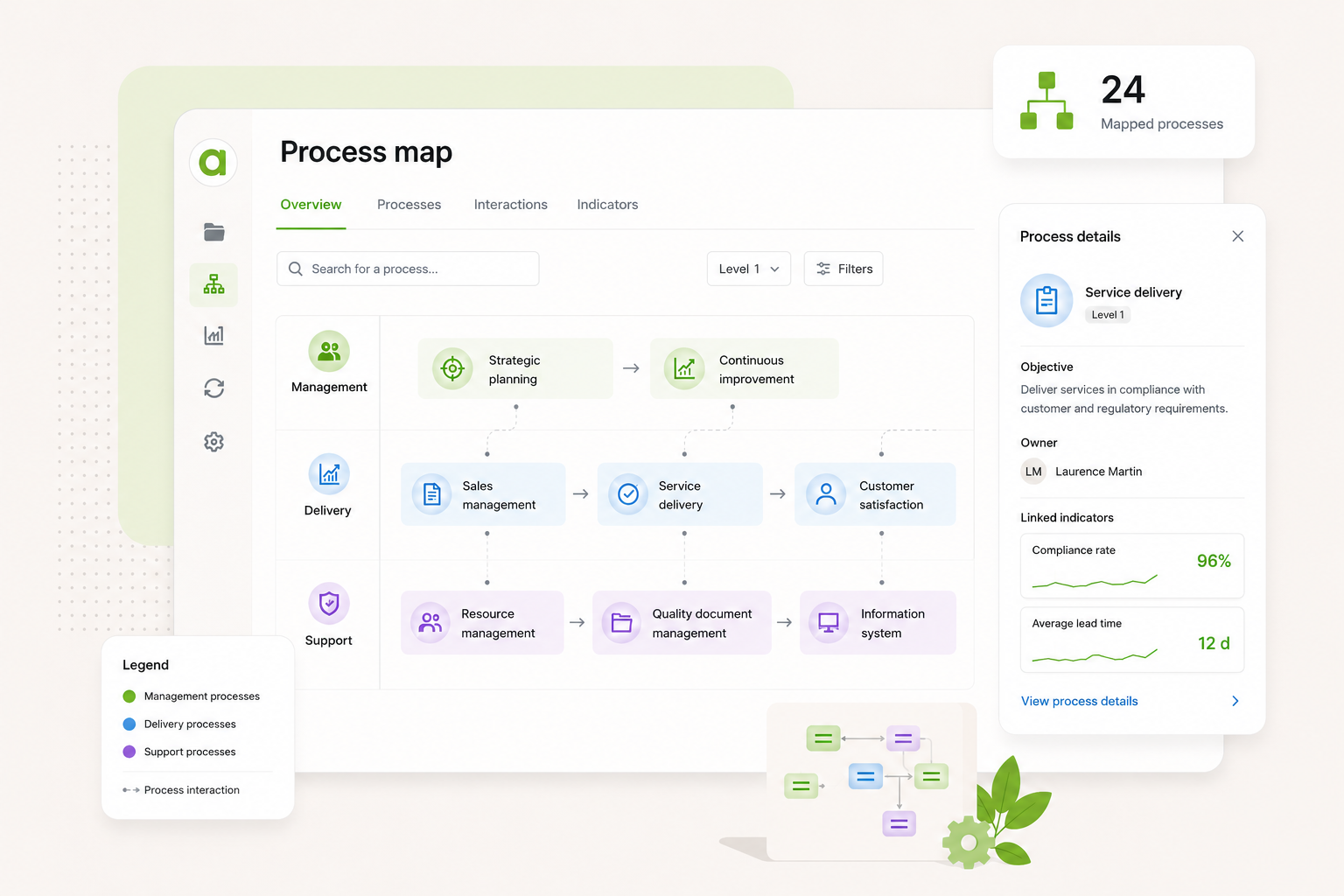
Each process is linked with a single click to its documents, nonconformities, and action plans. Your map is no longer a static image—it’s a gateway to everything related to it.
Process owners who are truly accountable for their areas of responsibility
Each pilot can access their profile, update it, and track their metrics and audits without going through you. You approve the updates and maintain the big picture. The rest is up to them.
Knowledge that doesn't disappear when someone leaves the company
Processes are documented, structured, and accessible to everyone. If someone changes positions or leaves, their knowledge remains in the system and can be accessed by their successor.
Agilium centralizes and organizes your ISO compliance
Visualize your processes, document them, and access the associated documents, audits, and action plans with a single click, along with a consolidated process review, all directly within the tool.
What Our Customers Say About Agilium
250 organizations trust us to lead their quality initiatives. Here’s what they have to say—unfiltered.
Precision Machinery
Agilium enabled us to build and digitize our quality system and obtain our ISO 9001 certification in less than a year. The solution is particularly well-suited for small industrial businesses thanks to its ease of use and comprehensive coverage of quality processes. We now manage our audits, risks, nonconformities, action plans, and documents from a single platform. Our teams quickly adopted the tool, and we now have a clear and structured view of our QMS. It’s a real asset in supporting our growth.
Quality Manager
Energy-Efficient Renovation
The activity history with export and filter options is really handy. I give monthly presentations to my management team on what’s going on, and this lets me put together a report in two minutes: I filter what I want to show, export it, and I’m done. The favorite documents for my teams, the FAQ right in the tool… these are the little things that really make a difference every day. Generally speaking, people find their way around it. We set up the folders together, so they’re pretty comfortable with it. And what we’ve always appreciated about Agilium is how responsive they are: when I have a question, I get a clear answer within half a day. For an SME like ours, that’s really helpful.
Quality and QSE Manager
Higher Education
Agilium is, overall, a fairly practical solution that allows us to work flexibly on our problems and challenges. We see the solution evolving over time. In addition, follow-up by our contacts at the service provider is smooth and consistent, which is a major plus. We appreciate the ability to work on action plans, audits, and processes. We also appreciate the flexibility offered in terms of the software interface layout.
Internal and Organizational Auditor
Manufacturers
EDM at Its Best: User-friendly system, layout, tracking of reading information…
QMS Manager
Food production
We had a great experience with a sales representative who was very attentive to our needs. The email-based workflow system with read receipts is excellent.
Quality Engineer
App for Pharmacists
So far, the setup is going very smoothly, and the configuration is very simple. The main advantages we see are its ease of use and configuration.
Director of Internal Operations & Quality Manager
Everything You Want to Know About Agilium
A platform designed to centralize your operations, automate your processes, and engage your teams in a more streamlined quality initiative.
We can set up a trial workspace for you, available for 7 days.
- PROCESS MAPPING
Yes, through a web address: a link to your document management system, your intranet or any tool available online.
- PROCESS MAPPING
The two complement each other:
you sign in with your Agilium account;
activities link to the documents in your document management system: procedures, work instructions, forms;
processes are displayed directly in Agilium.
A linked document opens in Agilium with the user’s own permissions, so no one sees a document they are not allowed to access.
- PROCESS MAPPING
No. Agilium’s process mapping module works on its own, with its own accounts.
- PROCESS MAPPING
Yes, by creating several projects: by site, by subsidiary or by management system. Each project has its own process map, mini-site and share links.
- PROCESS MAPPING
The interface and the processes are available in 7 languages: French, English, German, Italian, Spanish, Portuguese and Polish. Each reader chooses their own language, and notification emails follow the recipient’s language.
- PROCESS MAPPING
Yes. You write in your reference language, then translate into the languages you turn on. A dedicated screen lists everything still to be translated: activities, descriptions, swimlanes, process names, resources. You can also export the texts, have them translated and import them back. There is only one diagram: just the display language change
- PROCESS MAPPING
A process being edited is locked for everyone else, who can see who is editing it. There is no risk of overwriting a colleague’s work.
- PROCESS MAPPING
There are three roles:
| Role | What they can do |
| Reader | View published processes |
| Modeler | Create and edit processes, publish them or submit them for approval |
| Administrator | Everything a Modeler can do, plus users, approval workflow, theme, languages and recycle bin |
- PROCESS MAPPING
A modeler draws their first process within an hour, thanks to ready-to-use templates, drag and drop, and automatic alignment and layout.
- PROCESS MAPPING
No. AI import rebuilds a process from an image, a PDF page or a text describing it. Swimlanes, steps and flows are recognised, then laid out automatically. You check and correct the result before creating the process. BPMN files can be imported directly.
- PROCESS MAPPING
Modelers discuss each process in a comment thread attached to it, with mentions and email notifications. For readers, a “Suggest an improvement” link can point to the contact of your choice.
- PROCESS MAPPING
- Diagrams: PDF with title block, PNG, vector SVG
- RACI matrix and role sheets: Excel, plus PDF for role sheets
- Translations: CSV and JSON
- PROCESS MAPPING
Yes, a published process or project can be embedded in a web page.
- PROCESS MAPPING
Processes published within the last 30 days carry an “Updated” badge. A “Latest updates” list shows the version, date and reason for each change.
- PROCESS MAPPING
Viewing, yes: it adapts to small screens. Modeling is done on a computer, with a recent browser (Chrome, Edge, Firefox or Safari).
- PROCESS MAPPING
Not necessarily. There are two options:
- a “Reader” account, which gives access to the mini-site after signing in;
- a share link, with no account, which you can protect with a password, set to expire, and revoke at any time.
- PROCESS MAPPING
Each project has its own viewing mini-site: process tree, search, clickable diagrams, and the detail of each activity (description, who does what, links). Nothing to install: a web browser is all you need.
- PROCESS MAPPING
It goes to a recycle bin, along with all its sub-processes. An administrator can restore it for 30, 60 or 90 days, depending on your setting.
- PROCESS MAPPING
The bowtie diagram lets you show threats, the top event, consequences and barriers, with five severity levels.
- PROCESS MAPPING
Ready to transform your quality approach ?
Join the 250 organizations that manage their quality with Agilium. Our experts based in Grenoble will guide you every step of the way—with no offshore staff and no surprises.